
Anúncios
Listening to FM and AM radio on your smartphone has become easier than ever, offering instant access to live broadcasts, music, news, and talk shows from around the world right in your pocket.
Rediscover Radio Broadcasting Through Your Mobile Device

Explore Radio Options
The radio landscape has transformed dramatically with smartphone technology. What once required bulky receivers and external antennas now fits comfortably in your pocket, giving you unprecedented access to both traditional broadcasts and internet-based stations. Whether you’re commuting, exercising, or relaxing at home, your mobile device serves as a powerful radio receiver.
Modern smartphones offer multiple pathways to radio content, from built-in FM chips to sophisticated streaming applications. Understanding the difference between these methods helps you choose the best option for your listening preferences, data availability, and audio quality requirements. Let’s explore the various ways you can tune into radio broadcasts using your mobile device.
📻 Understanding FM and AM Radio on Mobile Devices
Traditional FM and AM radio signals broadcast over specific frequency ranges that have served listeners for decades. FM (Frequency Modulation) operates between 87.5 and 108.0 MHz, delivering higher sound quality ideal for music stations. AM (Amplitude Modulation) uses frequencies between 535 and 1705 kHz, traditionally preferred for talk radio and news due to its longer range but lower audio fidelity.
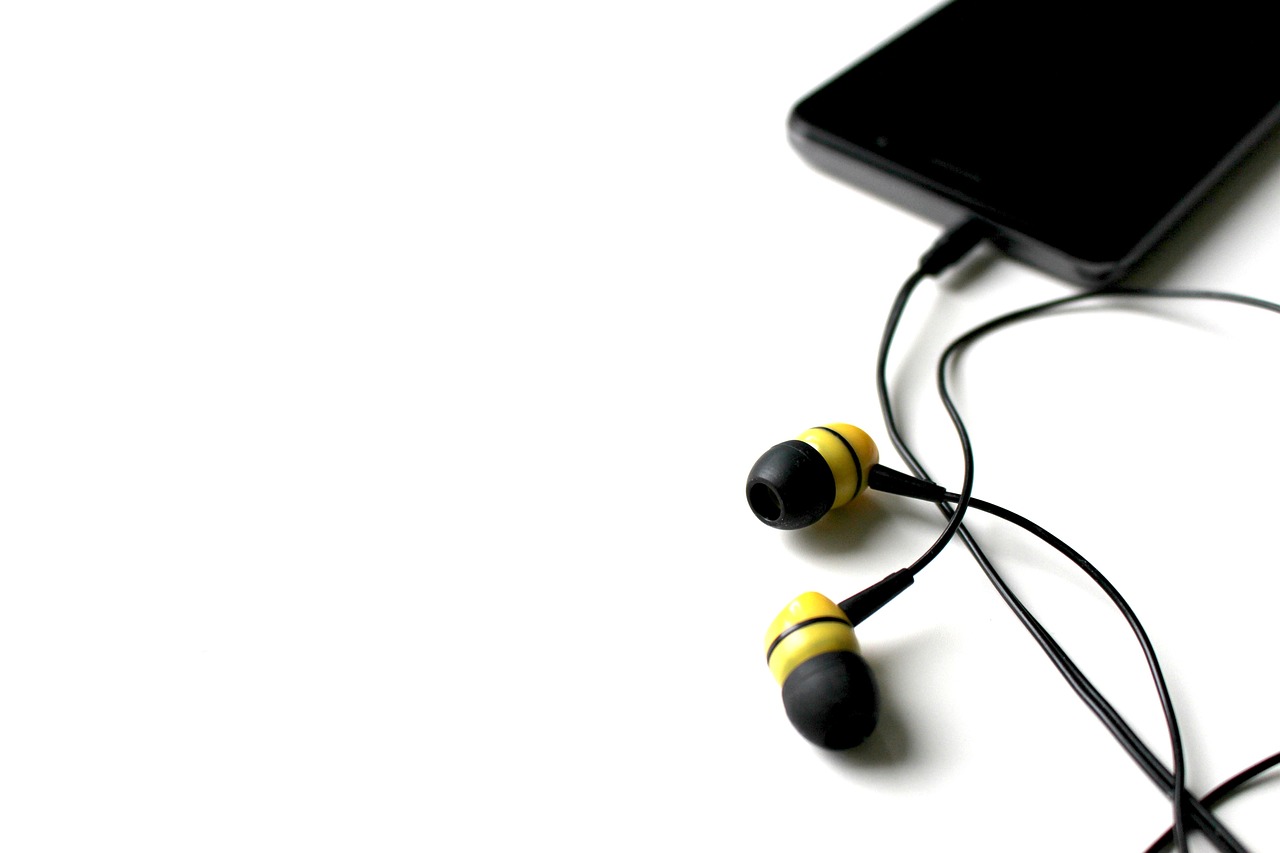
Many smartphones actually contain dormant FM radio chips built into their hardware. Manufacturers often include these chips as part of the system-on-chip (SoC) design, but disable them through software settings. The chip uses your headphone cable as an antenna, which explains why some phones require earbuds to be connected even when playing audio through speakers.
Unfortunately, not all devices support native FM functionality. Apple iPhones, for instance, don’t activate FM chips even if present in the hardware. Android devices vary by manufacturer and model, with some brands like Samsung, LG, and Motorola offering FM radio capabilities on select models, particularly in international markets.
🎧 Methods to Access Radio on Your Smartphone
There are three primary approaches to listening to radio on mobile devices, each with distinct advantages and limitations. Understanding these methods helps you select the most appropriate solution for your circumstances.
Built-in FM Radio Apps
Some Android smartphones come with pre-installed FM radio applications that activate the internal chip. These apps typically require wired headphones to function as an antenna, though audio can often be redirected to the device’s speaker or Bluetooth headphones. The advantage here is zero data consumption since you’re receiving over-the-air broadcasts directly.
To check if your phone has this capability, search for “FM Radio,” “Radio,” or similar app names in your app drawer. If available, plug in headphones and launch the app to scan for local stations. Reception quality depends on your physical location, surrounding buildings, and antenna effectiveness.
Internet Radio Streaming Applications
Internet radio apps provide access to thousands of stations worldwide regardless of geographical location or built-in hardware. These applications stream audio data over your cellular connection or Wi-Fi, offering superior flexibility compared to traditional broadcasting. Popular options include TuneIn Radio, iHeartRadio, Radio.com, Simple Radio, and Xiia Live.
The primary consideration with streaming apps is data consumption. Standard quality radio streams typically use between 64-128 kbps (kilobits per second), consuming approximately 30-60 MB per hour of listening. Higher quality streams may use more bandwidth. If you have unlimited data or primarily listen over Wi-Fi, this isn’t a concern, but those with limited data plans should monitor usage carefully.
Station-Specific Applications
Many individual radio stations and broadcasting networks offer dedicated mobile apps. Major broadcasters like NPR, BBC, and commercial radio groups provide apps featuring their complete station lineup, on-demand content, podcasts, and exclusive digital programming. These apps often include additional features like alarm clocks, sleep timers, and content recommendations.
🌟 Top Radio Applications for Android and iOS
Selecting the right radio app enhances your listening experience significantly. Here’s a detailed look at the most popular and reliable options available today.
TuneIn Radio
TuneIn stands as one of the most comprehensive radio platforms, offering access to over 100,000 AM, FM, and internet radio stations globally. The free version includes live sports, news, music, and talk radio, while TuneIn Premium removes advertisements and adds MLB, NFL, and other premium sports content. The interface is intuitive, with easy browsing by location, genre, or language.
The app remembers your listening history and favorite stations, syncing across devices for seamless transitions. TuneIn also includes podcast integration, making it a one-stop solution for audio content. Audio quality is generally excellent, with adaptive streaming that adjusts to your connection speed.
iHeartRadio
iHeartRadio provides access to hundreds of live radio stations across the United States, plus custom radio stations based on your favorite artists or songs. The platform combines live AM/FM stations with personalized streaming similar to Spotify or Pandora. Users can create custom stations, save songs, and access curated playlists.
The free tier includes occasional advertisements, while iHeartRadio Plus and All Access subscriptions offer ad-free listening, unlimited skips, and offline playback. The app features excellent discovery tools and integrates seamlessly with smart speakers and car entertainment systems.
Simple Radio by Streema
True to its name, Simple Radio offers a straightforward, no-frills interface focused on delivering radio content efficiently. The app provides access to over 50,000 stations organized by country, genre, and popularity. There’s no account creation required, and the app doesn’t collect extensive personal data, appealing to privacy-conscious users.
Simple Radio includes an Android Auto integration for safe driving use and supports Chromecast for streaming to compatible devices. The minimalist design ensures quick loading times and minimal battery drain, making it ideal for older devices or users who prefer simplicity over extensive features.
Radio FM
Radio FM specializes in activating your device’s built-in FM chip where available, providing genuine over-the-air radio reception without internet connectivity. The app automatically scans for available stations in your area and saves them for quick access. Since it uses hardware reception rather than streaming, there’s zero data consumption.
The interface includes station identification with RDS (Radio Data System) support when available, displaying song information and artist names. Users can record broadcasts, set sleep timers, and schedule alarm functions. The app works best in areas with strong FM signals and requires wired headphones for antenna functionality.
💡 Advantages of Mobile Radio Listening
Radio on smartphones offers numerous benefits that traditional receivers can’t match. Portability tops the list—your entire radio collection travels wherever you go without additional devices. You’re no longer limited to local broadcasts; internet streaming opens access to stations from different cities, countries, and continents.
Many apps include time-shifting features, allowing you to pause, rewind, and replay live broadcasts. This functionality proves invaluable when you need to step away temporarily or want to catch something you missed. Podcast integration in many radio apps creates a unified audio ecosystem, eliminating the need to switch between multiple applications.
Visual enhancements add value that traditional radios lack. Apps display album artwork, song information, artist details, and station logos, creating a more engaging experience. Smart features like personalized recommendations, favorite management, and integrated search make discovering new content effortless.
⚡ Optimizing Your Mobile Radio Experience
Several strategies can enhance audio quality and reduce data consumption when streaming radio on your smartphone. Most apps include quality settings that let you choose between high, medium, and low bitrates. Lower settings consume less data and work better on unstable connections, while higher settings deliver superior audio fidelity.
When using internet radio, Wi-Fi connections should be your first choice whenever available. This preserves your cellular data allowance and typically provides more stable streaming. If you frequently listen in specific locations like home or work, connecting to Wi-Fi networks there saves significant data over time.
Battery optimization matters for extended listening sessions. Streaming audio drains batteries faster than many activities, but you can mitigate this by reducing screen brightness, enabling battery saver modes, and closing unnecessary background apps. Some radio apps include specific battery optimization features that reduce power consumption without compromising audio quality.
Managing Data Consumption
For listeners with limited data plans, monitoring and controlling consumption becomes essential. Most smartphones include built-in data tracking tools that show which apps consume the most bandwidth. Set data warnings or limits to avoid unexpected overages.
Consider downloading content when on Wi-Fi for offline playback. While this doesn’t apply to live radio, many apps offer podcast downloads and some stations provide on-demand shows that can be saved locally. This approach lets you enjoy audio content without streaming, preserving your data allowance for live broadcasts when needed.
🔧 Troubleshooting Common Radio App Issues
Buffering and interruptions frustrate listeners but usually have straightforward solutions. If streams frequently pause or buffer, first check your internet connection strength. Moving to an area with better signal or switching to Wi-Fi often resolves the problem. Closing other bandwidth-intensive apps running in the background also helps.
When using built-in FM radio apps, reception problems typically relate to antenna issues. Ensure wired headphones are properly connected and try extending the cable fully or repositioning yourself near windows or outdoors. Some phones receive FM signals better than others due to hardware variations.
App crashes or freezing may indicate insufficient device memory or outdated software. Clearing the app’s cache in your phone settings often resolves these issues. If problems persist, uninstalling and reinstalling the app provides a fresh start. Always ensure you’re running the latest version of both the app and your device’s operating system.
Audio Quality Problems
Poor sound quality can result from low bitrate settings, weak signals, or speaker/headphone issues. Check the app’s audio quality settings and increase the streaming bitrate if your data allowance permits. Test with different headphones or speakers to isolate whether the problem lies with your audio output device.
Some stations broadcast at lower quality than others, particularly smaller or local stations with limited resources. If one station sounds poor, try several others to determine if the issue is station-specific or affects all broadcasts. Background noise and distortion on FM broadcasts often improve with better antenna positioning.
🌍 Exploring International Radio Content
One of mobile radio’s greatest advantages is effortless access to international broadcasts. Language learners can immerse themselves in native speakers’ conversations, news, and music. Expatriates stay connected to their home countries through familiar stations, maintaining cultural ties despite geographical distance.
Apps like Radio Garden present a unique approach, displaying a globe interface where you can spin the planet and tap any location to hear local radio stations. This visual method of browsing creates an engaging way to discover new content and explore different cultures through their broadcasting.
International streaming opens opportunities to hear specialized content unavailable locally—specific music genres, niche discussion topics, or regional news perspectives. Time zone differences mean you can catch live programming from anywhere on Earth at any hour, creating a truly 24/7 radio landscape.
📱 Radio Integration with Smart Devices
Modern radio apps extend beyond smartphones, integrating with various connected devices in your ecosystem. Chromecast and similar casting protocols let you send audio to smart speakers or home theater systems, improving sound quality through superior speakers. Android Auto and Apple CarPlay bring radio apps to your vehicle’s infotainment system with voice control and steering wheel integration.
Smart speakers from Amazon, Google, and Apple support most major radio apps through voice commands. Simply ask your assistant to play a specific station, and it streams directly. Smartwatches with LTE connectivity can stream radio independently, allowing phone-free listening during exercise or outdoor activities.
Many radio apps sync across multiple devices, preserving favorites, presets, and listening history. Start listening on your phone during your commute, then seamlessly continue on your tablet or computer at home. This cross-platform functionality creates a unified experience regardless of which device you’re using.
🎵 Discovering New Music and Content
Radio apps excel at content discovery through various recommendation systems. Genre browsing helps you explore unfamiliar musical styles, while location-based browsing introduces you to regional stations you might never encounter otherwise. Many apps curate featured station lists highlighting quality broadcasters across different categories.
Following your favorite stations keeps you updated when they add new shows or change programming. Some apps provide social features where users rate stations and leave reviews, helping others discover quality content. Trending lists show what other listeners are currently enjoying, offering insight into popular broadcasts.
Custom notifications alert you when favorite shows air or when stations play specific artists you follow. These smart features transform passive listening into an active, personalized experience tailored to your preferences. The more you use these apps, the better they understand your tastes and improve their recommendations.
🔐 Privacy and Security Considerations
Radio apps collect varying amounts of user data, from minimal information to extensive behavioral tracking. Review each app’s privacy policy to understand what data they gather and how it’s used. Apps requiring account creation typically collect more information than those functioning anonymously.
Location permissions allow apps to suggest local stations but aren’t strictly necessary for functionality. Consider whether you value personalized local recommendations enough to share your location data. Most apps function perfectly well with location services disabled, though you’ll need to search for stations manually.
Free apps often include advertisements that may use tracking technologies. Ad-supported models remain common in radio apps, balancing free access against commercial messaging. Premium subscriptions typically remove advertisements while reducing data collection, offering enhanced privacy alongside improved features.
🚀 The Future of Mobile Radio Broadcasting
Radio continues evolving alongside technology, with mobile devices driving innovation. 5G networks enable higher quality streaming with minimal latency, bringing CD-quality audio to mobile broadcasts. Spatial audio and immersive sound technologies are beginning to appear in radio apps, creating more engaging listening experiences.
Artificial intelligence increasingly powers personalization features, learning your preferences to suggest relevant content automatically. AI-driven curation combines the human touch of traditional radio programming with algorithmic precision, potentially creating the perfect blend of discovery and familiarity.
Interactive features are expanding, allowing listeners to participate in broadcasts through polls, requests, and social integration. Some stations experiment with synchronized visual content, transforming radio into a multimedia experience. As technology advances, the line between traditional radio and podcast-style on-demand content continues blurring, offering listeners unprecedented control over their audio experiences.
The convergence of traditional broadcasting and internet streaming has created a golden age for radio listeners. Your smartphone serves as a gateway to virtually unlimited audio content, from local community stations to international broadcasters, all accessible with a few taps. Whether you prefer the spontaneity of live radio or the personalization of curated streams, mobile technology ensures your perfect station is always within reach. Explore different apps, discover new stations, and enjoy the rich world of radio broadcasting wherever your day takes you.
